
How to Search Franklin County Court Records
The Clerk of Courts runs Case Information Online, the main tool for Common Pleas records. It covers General Division civil and criminal cases, Domestic Relations cases, and Tenth District appeals. Municipal cases use a separate search run by the Municipal Court Clerk. Probate matters have their own search. Pick the court first, then open that portal.
Have a name or a case number ready. A case number gives the fastest, cleanest result. With only a name, add a court type or a date range so the list stays short.
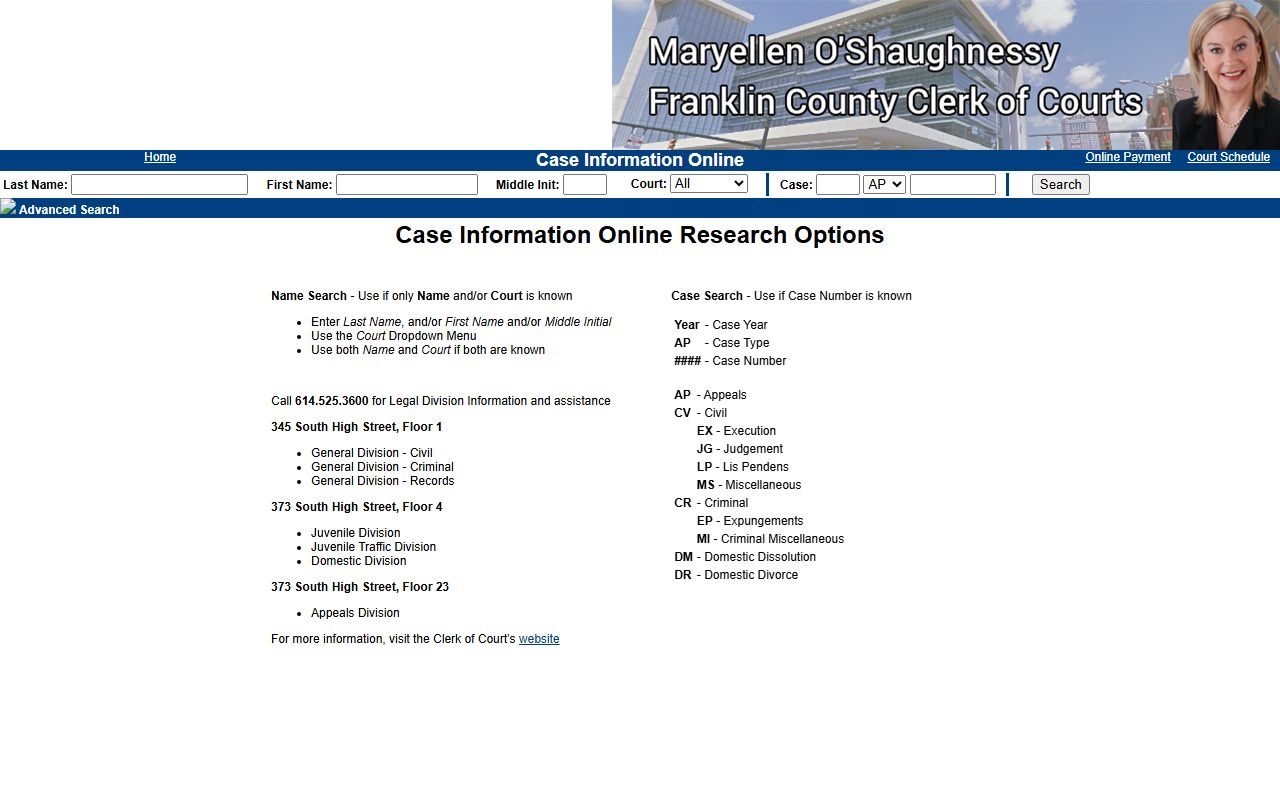
The Case Information Online welcome screen is where most Common Pleas searches begin.
The Franklin County Clerk Case Information Online search is the free public portal for Common Pleas records.
Once the file loads, the docket lists every filing in date order.
- Open Case Information Online from the Clerk of Courts.
- Choose a name search or a case-number search.
- Set the Court dropdown to Appeals, Civil, Criminal, or Domestic.
- Add a filing-date range to narrow a common name.
- Open the docket and request a certified copy if you need one.
Franklin County Court Records Search Fields
Case Information Online offers both a name search and a case-number search on one screen. The fields below are pulled from the live portal. You do not need to fill every box. A last name alone can start a search, though more detail returns a tighter list.
| Field Label | Type | Required | Notes / Format |
|---|---|---|---|
| Last Name | Text | No | Up to 25 characters; main name field. |
| First Name | Text | No | Up to 14 characters. |
| Middle Init | Text | No | One character. |
| Court | Dropdown | No | All, Appeals, Civil, Criminal, Domestic. |
| Case Year | Text | For case search | Two-digit year. |
| Case Type | Dropdown | For case search | AP, CV, EX, JG, LP, MS, CR, EP, MI, DM, DR, MC. |
| Case Sequence | Text | For case search | Up to 7 digits. |
| Filed From / To | Date | No | MM/DD/YYYY date range. |
The portal also lists an Online Payment link and a Court Schedule link. The Clerk gives Legal Division help at 614-525-3600.
Searching Municipal Court Records in Franklin County
Traffic and misdemeanor cases do not appear in Case Information Online. They live in the Municipal Court Clerk's separate search. That portal lets you look up court dates, the amount due, warrant status, parties, and case status. The Municipal Clerk says you must start with one of four routes: a case number, a ticket number, a last name plus first name, or a company name. A ticket or case number is the fastest path.
Case numbers in Municipal Court follow a set shape. They include a four-digit year, a case code, and a sequence. The court's own help examples make the format clear.
- Criminal: 2027 CR A 001234 or 2027 CR B 001234
- Traffic: 2027 TR C 123456, 2027 TR D 123456, or 2027 TR P 123456
- Civil: 2027 CVE 001234, 2027 CVF 001234, or 2027 CVG 001234
A closed status does not always mean a case is finished, so check the docket detail, amount due, and any warrant flag. The Municipal Clerk has also posted scam alerts about texts claiming unpaid parking tickets, so pay only through official court links.
Types of Franklin County Court Records
The county produces several record families, and each flows from a different division. Knowing the source saves a wasted trip. Common Pleas holds the felony and large civil files. Domestic Relations holds divorce and custody files. Probate holds estates and marriage records. The Municipal Court holds traffic, misdemeanor, and small civil files.
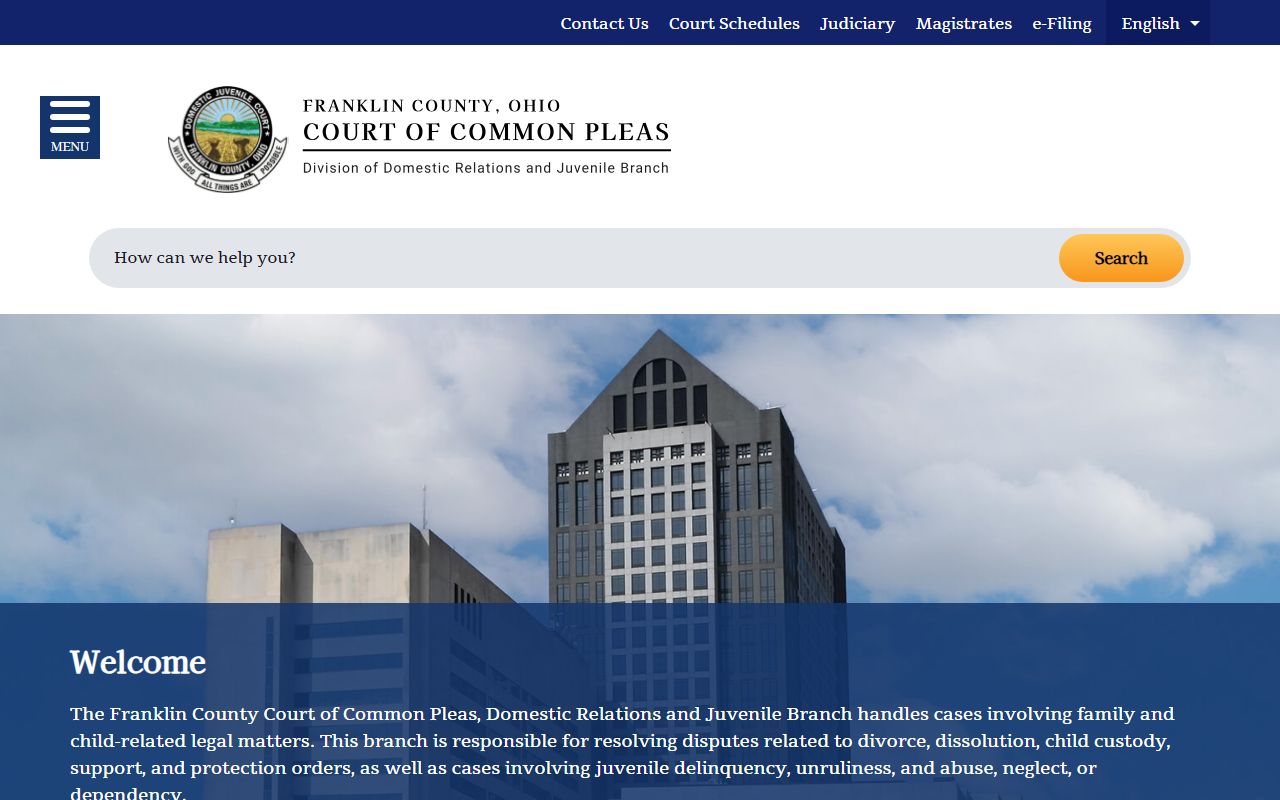
The Domestic Relations and Juvenile Branch keeps its own family and youth records and runs a separate site.
The Domestic Relations and Juvenile Branch site covers family and juvenile court records.
Use the list below to match a record to its court.
- Civil Common Pleas - Complaints, motions, judgments, liens, and foreclosures; shown as CV with subcodes.
- Criminal Common Pleas - Felony indictments, pleas, and sentencing entries.
- Domestic Relations - Divorce (DR), dissolution (DM), custody, and support.
- Probate - Estates, guardianships, name changes, and marriage records.
- Municipal - Traffic, misdemeanors, evictions, and small claims up to $15,000.
What Franklin County Court Records Show
A case record is more than a verdict. It holds the parties, the filings, the dates, and the money owed. Common Pleas dockets can also link document images when those are public. The table below lists the fields you will most often see in a result.
| Field | What It Shows |
|---|---|
| Case Number | Year, case-type code, and sequence that name the file. |
| Court / Division | Appeals, Civil, Criminal, Domestic, Probate, or Municipal. |
| Parties | Plaintiff, defendant, petitioner, respondent, and attorneys. |
| Filing Date | When the case opened or a document was filed. |
| Docket Entries | Each motion, order, hearing notice, and judgment in date order. |
| Status | Open, closed, reopened, or set for hearing. |
| Disposition | The outcome of the charge or claim. |
| Financial | Fines, costs, bond, restitution, and garnishments. |
Some fields stay empty until a judge acts. The docket fills in as a case moves.
Public Access Framework for Franklin County Court Records
Ohio law presumes court records are open. The Ohio Public Records Act, Ohio Revised Code § 149.43, requires prompt inspection and copies within a reasonable time. Court files also follow the Rules of Superintendence for the Courts of Ohio, which set the presumption of access and the rules for redaction.
The Clerk's policy says you can inspect records during business hours for free. You do not have to write the request, prove your identity, or state a purpose. Staff may ask for clarity if the request is vague. If a request is denied, a fast path exists at the Ohio Court of Claims under Ohio Revised Code § 2743.75.
Court files follow their own rule set on top of the open-records law. The Ohio Rules of Superintendence define a court record, set the presumption that case documents are open, and lay out when access can be limited. They also govern how courts keep and manage records, which is why an older Franklin County file may exist on microfilm or as a scanned image rather than in a database. When a record is restricted, the rules require the court to explain the legal basis.
Note: You can view Franklin County court records without giving your name, but the request must describe the records clearly enough for staff to find them.
Records That Are Sealed or Confidential in Franklin County
Not every file is open. Juvenile records carry tight limits. Adoption, mental illness, and developmental disability records held by Probate are confidential by law. Sealed and expunged criminal records drop out of public access once a court grants the order under Ohio Revised Code § 2953.32. Personal identifiers like Social Security numbers are redacted from filings.
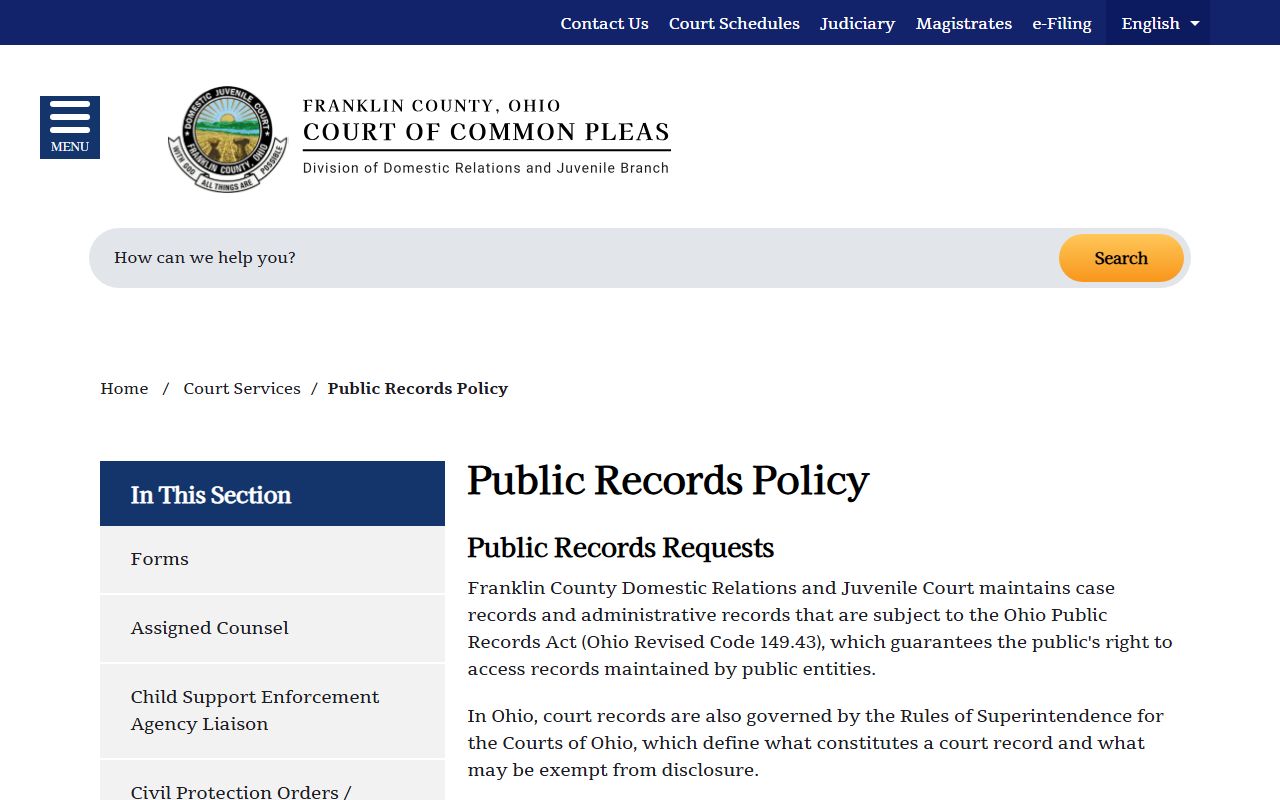
To view a sealed record, a person usually must be a party, an attorney of record, or an agency with a statutory right. Others generally need a court order. File the request in the court that heard the case, since Common Pleas and Municipal Court keep separate records and forms. The Domestic Relations and Juvenile Branch publishes its own public records policy explaining which family records are open.
The Domestic Relations and Juvenile public records policy spells out access and the court-rule citations it follows.
In-Person Court Record Requests
Some records are easier to get at the counter, especially certified copies and older files. The Clerk of Courts General Division office handles Common Pleas civil and criminal records on the first floor at 345 South High Street. Bring the case number if you have it, and plan for business hours.
Clerk of Courts, General Division
345 South High Street, 1st Floor
Columbus, OH 43215
614-525-3621
Mon-Fri 8:00 a.m. - 5:00 p.m.
Copies and Certified Franklin County Court Records
There are two kinds of copies. A plain copy is fine for reference. A certified copy carries the clerk's seal and is the version courts, agencies, and other states accept as proof. For a Common Pleas file, the Clerk of Courts issues copies. For a Municipal case, the Municipal Court Clerk does. Probate handles certified estate and marriage records through its certified records desk.
The Clerk's public records policy says records under 20 pages or readily available in electronic form are processed as fast as staff and equipment allow. Larger requests can take longer because of volume, storage location, and any legal review for redaction. If part of a file is exempt, the office releases the public portion and explains the redaction with its legal basis.
- Identify the court and the case number.
- Ask the right clerk for a plain or certified copy.
- Pay any copy or certification fee quoted at the counter.
- Allow extra time for older files kept on microfilm or in storage.
Note: Certified copies are required for most legal and out-of-state uses, while a plain printout from the online docket is not accepted as proof.